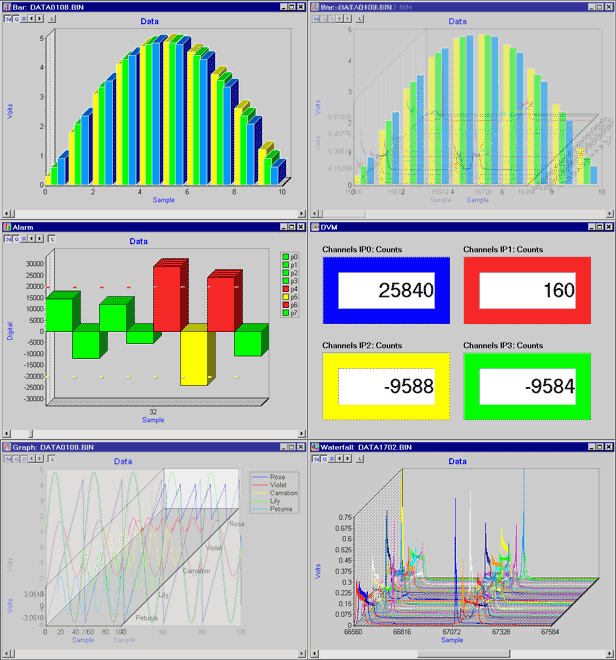
DAPstudio provides immediate and easy access to one or more DAP boards. To view the resulting data – either live or after you run your application – DAPstudio provides several different display options. Customize each display with 3D rendering, custom colors, and other options. Design your own custom window, incorporating any of these displays.
Graph: Displays graphical representations of acquired and processed data from the DAP board.
Table: Displays text representations of acquired and processed data from the DAP board.
Alarm: Sets up an Alarm window for pass/fail testing, process level monitoring, and process range monitoring.
Bar: Displays graphical representations, in vertical bars, of acquired and processed data from the DAP board.
Waterfall: Displays data acquired and processed from the DAP board as blocked waveforms that progress back in time.
Digital Volt Meter (DVM): Sets up a Digital Volt Meter window to display instantaneous values.